CNS.465000.002 · Autodesk Inventor 2025 · 2026 · 2027
Explode Parts
Show a customer or an assembler how the product goes together. The add-in creates an exploded view, records part movement and exports an MP4 — without animating every frame by hand.
Tested with Autodesk Inventor 2025, 2026 and 2027 · Windows 10/11 x64
Where to find the command
- Restart Inventor after installation and open a part or assembly.
- On the View ribbon tab, find the Explode Parts panel and click its button.
- If Inventor blocks the unsigned add-in, open Tools → Add-ins, find “Explode Parts” and enable loading.
Free
- Explode an assembly or the bodies of a multibody part with one button and back, no presentation file needed.
- Item numbers, titles and part numbers on balloons; rename parts right in the exploded view.
- To Drawing: a positional representation and a drawing with a view, parts list and balloons.
Animation — paid
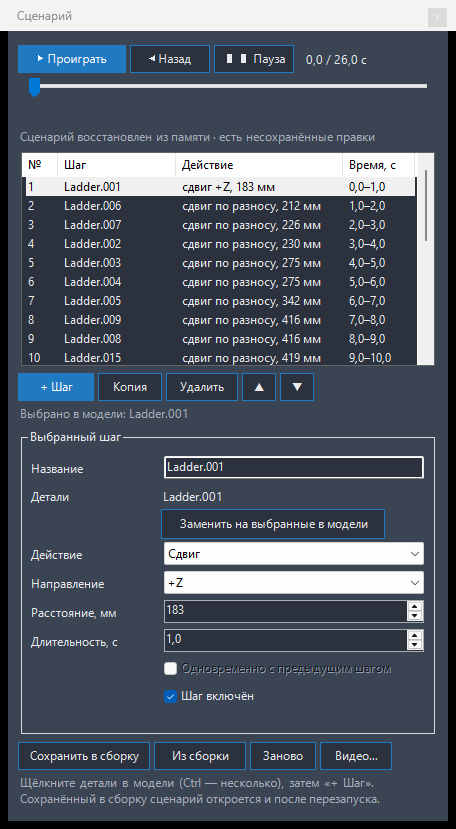
- Motion scenario: move and rotate steps, one after another or together, parts appearing and fading out.
- Timeline, playback, scrubbing, assembling in reverse.
- The scenario is stored inside the assembly.
- MP4 video export.